Bluetooth vs. 2.4GHz Wireless Mouse: Which Is Better?
A wireless mouse should be one of the easiest accessories to buy. But the connectivity options can be confusing: some models connect over Bluetooth, others use a tiny USB receiver labeled 2.4GHz, and some support both.
The difference matters if your laptop has few ports, you switch between computers, or you care about responsiveness. Neither connection type is automatically superior in every situation.
The short answer
Bluetooth is convenient when you want to avoid carrying a USB receiver and your computer supports Bluetooth. A 2.4GHz receiver-based mouse can be attractive for straightforward plug-and-play use and, on some models, low-latency performance. The actual experience depends on the mouse, receiver, firmware, and environment—not just the wireless label.
For most office tasks, either can work well. If you’re buying a mouse for competitive gaming, look at independent latency testing for the specific model rather than assuming all 2.4GHz mice are equally fast.
What does “2.4GHz mouse” mean?
Both Bluetooth and many proprietary wireless mouse systems operate in the 2.4GHz radio band. When retailers advertise a “2.4GHz wireless mouse,” they usually mean a mouse that connects through a dedicated USB receiver using the manufacturer’s own wireless protocol.
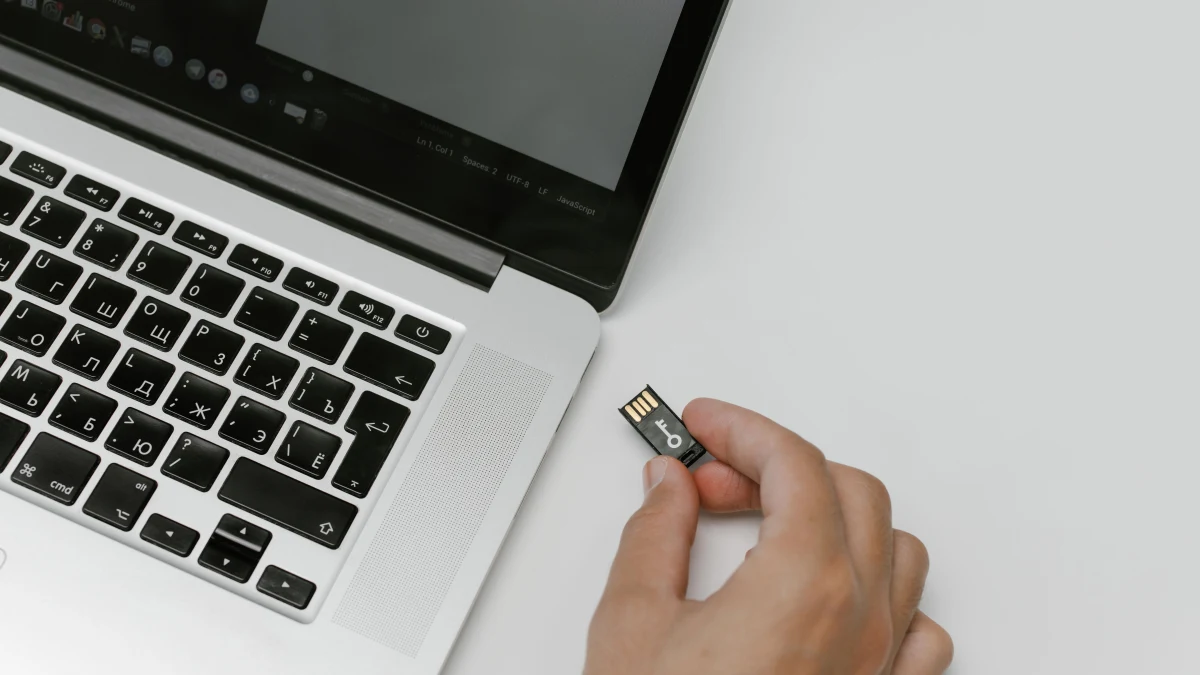
That receiver is often small enough to remain plugged into a desktop computer. Some manufacturers let multiple compatible peripherals share one receiver; others require a receiver paired to a specific device.
Bluetooth mice, by contrast, connect through a computer’s built-in Bluetooth hardware or a separate Bluetooth adapter. They typically don’t need a proprietary receiver.
The main differences
| Feature | Bluetooth mouse | Receiver-based 2.4GHz mouse |
|---|---|---|
| Connection | Bluetooth radio | Usually proprietary USB receiver |
| USB port required | Usually no | Usually yes |
| Setup | Pair through device settings | Plug in receiver, sometimes pair |
| Multi-device switching | Available on selected models | Available on selected models |
| Latency | Varies by model and system | Varies; some optimized for low latency |
| Travel convenience | No dongle to lose | Receiver is small but easy to misplace |
Does one have lower latency?
Some receiver-based mice are designed for very responsive tracking and clicks, particularly gaming-focused models. But it’s misleading to say that every 2.4GHz mouse is faster than every Bluetooth mouse.
Sensor performance, polling rate, firmware, power-saving behavior, and the computer itself all influence responsiveness. For writing emails, browsing, or spreadsheets, you may not notice a meaningful difference between two well-designed mice.
For precision work or fast-paced games, seek model-specific measurements rather than relying on the connection type alone.
Which connection is more reliable?
Both technologies can work reliably, but both share crowded radio spectrum with Wi-Fi and other devices. Physical obstacles, USB 3 interference, receiver placement, and nearby electronics can affect performance.
If a receiver-based mouse stutters, moving the receiver closer or away from a noisy USB port may help. If a Bluetooth mouse drops connections, updating Bluetooth drivers or removing and re-pairing the device may help. A problem with one model doesn’t prove that the entire connection type is unreliable.
What about battery life?
You can’t predict battery life from Bluetooth versus 2.4GHz alone. Manufacturers use different sensors, polling rates, sleep settings, batteries, and radio implementations. A Bluetooth mouse might last months, while a high-performance receiver-based mouse may need frequent charging—or the opposite may be true for other models.
Compare the manufacturer’s stated battery life, whether it uses replaceable batteries or a rechargeable cell, and whether it can operate while charging. Treat advertised runtime as an estimate that depends on usage.
Which is better for a laptop?
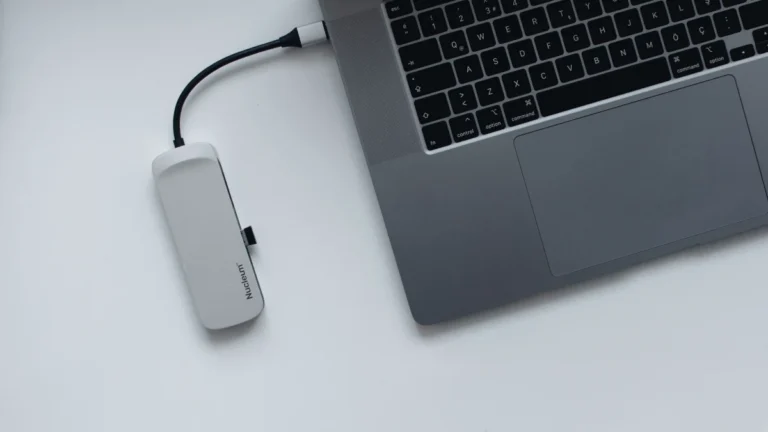
Bluetooth is attractive on laptops with limited USB ports. You can keep the only USB-A port free for storage or another accessory. If your laptop doesn’t have a USB-A port, a receiver-based mouse may require a USB-C receiver or adapter. If you regularly run out of ports, consider adding USB ports with a hub before choosing a receiver-based mouse.
A dedicated receiver can still be convenient if you prefer not to manage Bluetooth pairing or if your workplace has restrictions on Bluetooth devices. Check what your employer permits before buying accessories for a managed computer.
What if you switch between multiple computers?
Look for a multi-device mouse rather than focusing only on wireless technology. Some mice can remember several Bluetooth devices and switch with a button. Others support a combination of Bluetooth and a receiver, which can be especially handy if you use a work laptop and personal desktop.
A mouse that supports both connections offers flexibility, but check how switching works and whether the receiver is included.
Other features matter more than the radio
Comfort is easy to overlook when comparing specifications. A mouse that fits your hand, supports your preferred grip, and places buttons comfortably can make a bigger difference than the connection method.
Also consider scrolling feel, button noise, sensor performance on your desk surface, and software requirements. Some advanced customization features require installing the manufacturer’s app, which may not be possible on a work-managed computer.
Frequently asked questions
Is Bluetooth slower than 2.4GHz?
Some Bluetooth mice have higher latency than certain receiver-based models, but results vary. For everyday work, the difference may be insignificant.
Can I use a Bluetooth mouse without Wi-Fi?
Yes. Bluetooth doesn’t require an internet connection or Wi-Fi network, although both technologies can operate in the same radio band.
Will a 2.4GHz mouse work with a Mac?
Often, if the receiver and mouse are compatible with macOS and you have the necessary USB connection. Check the manufacturer’s system requirements.
Is a dual-mode mouse worth it?
It can be, especially if you switch between devices or want the flexibility of both Bluetooth and a USB receiver.
The bottom line
Choose Bluetooth if you want to save a USB port and keep travel simple. Choose a receiver-based 2.4GHz mouse if its specific features, responsiveness, or setup better fit your computer. For most people, comfort, reliability, and multi-device convenience are more important than the wireless label alone.