What to Look for in a Smart Home Security Camera: A Practical Buying Guide
Buying a home security camera sounds simple until you start comparing models. One offers 4K video, another promises color night vision, and a third advertises advanced AI detection. Then come the subscription plans, storage options, and compatibility requirements.
The challenge isn’t finding a camera with plenty of features. It’s finding one with the features you’ll actually use.
A camera for checking on your pets while you’re at work doesn’t need the same capabilities as one monitoring a driveway overnight. And a low-priced camera isn’t necessarily a bargain if the features you want require an ongoing subscription.
This guide explains what matters before you buy, which specifications deserve attention, and where you can save money without sacrificing the essentials.
Editor’s note: This guide is based on published technical information, consumer security guidance, and product documentation. Tech Blog World has not independently tested the cameras discussed.
1. Start With Where You’ll Use the Camera
Before comparing resolutions or brands, decide what you want the camera to watch.
Indoor security cameras
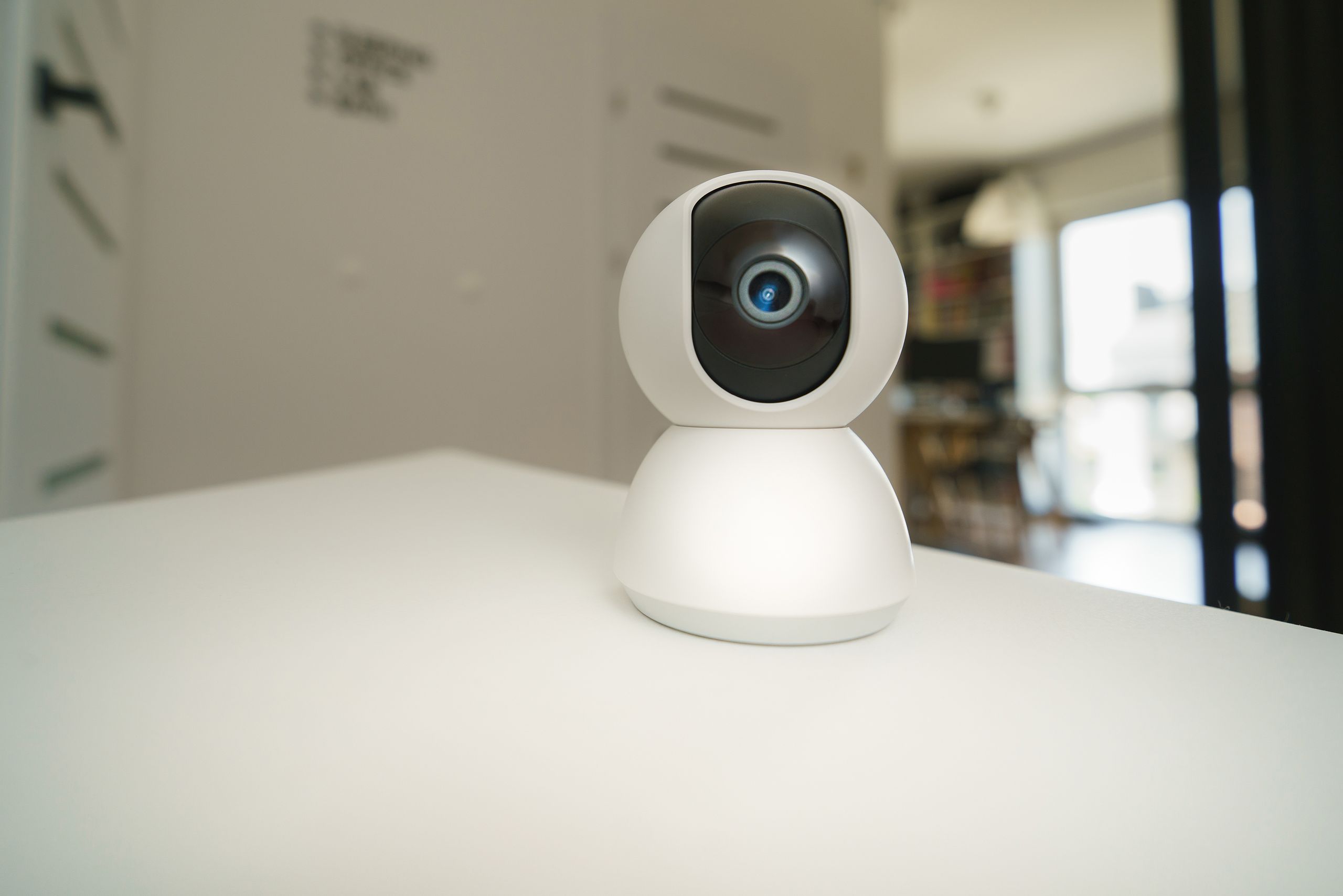
Indoor cameras are generally designed for rooms, hallways, and other protected spaces. They’re often compact, easy to install, and powered through a nearby electrical outlet.
If you’re monitoring pets or checking whether a package was brought inside, a basic indoor camera may be enough.
Look for features such as:
- Two-way audio: Useful for speaking to someone at home or checking on pets.
- Pan-and-tilt functionality: Helps cover a larger room without installing multiple fixed cameras.
- Privacy controls: Physical lens shutters or convenient camera-disabling options are particularly useful in living spaces.
- Local recording: Worth considering if you want to avoid recurring cloud storage fees.
A wider field of view isn’t always better. A camera placed in the corner of a small room may cover everything you need without motorized movement.
Outdoor security cameras
Outdoor cameras face different challenges: rain, dust, temperature changes, poor lighting, and more difficult installation locations.
Weather resistance should be one of your first considerations.
An IP65 rating indicates dust-tight protection and resistance to water jets. IP66 provides protection against more powerful water jets. Both can be suitable for outdoor equipment, but you should also check the manufacturer’s supported operating temperatures.
Other useful outdoor features include motion-activated lighting, person detection, and adjustable activity zones.
Our advice: Don’t pay extra for an outdoor-rated camera if you only need to monitor a living room. But don’t place an indoor-only model outside simply because it’s installed beneath a roof.
2. Video Resolution: Is 4K Really Necessary?
Resolution is one of the easiest specifications to compare, but it doesn’t tell the whole story.
A higher-resolution sensor can capture more detail. Whether that detail is useful depends on the camera’s lens, image processing, lighting, viewing angle, and the distance to the subject.
| Resolution | Where it may make sense | Main trade-off |
|---|---|---|
| 1080p | Small indoor spaces and basic monitoring | Less detail when digitally zooming |
| 2K | General-purpose home monitoring | More storage and bandwidth than comparable 1080p footage |
| 4K | Larger areas where additional image detail matters | Higher potential storage, processing, and bandwidth requirements |
Why higher resolution isn’t always better
Imagine you’re installing a camera to check whether your dog is sleeping on the couch. A reliable 1080p feed may tell you everything you need to know.
Now imagine monitoring a long driveway. Additional resolution may help preserve detail when reviewing footage, particularly if you need to crop the image.
However, even a 4K camera may struggle to capture a recognizable face or license plate at a distance. Poor lighting, movement, lens quality, and compression can all limit the result.
Higher-resolution footage can also use more storage space and network capacity, although the actual amount depends on recording settings and video compression.
Our advice: Start with the area you need to cover and the level of detail you expect to identify. Don’t assume that a 4K label guarantees better security footage in every situation.
3. Night Vision Matters More Than You Might Think
A security camera that performs well during the day may produce disappointing footage after sunset.
Most consumer cameras approach nighttime recording in one of two ways.
Infrared night vision
Infrared cameras use infrared illumination to capture black-and-white footage in dark environments.
This is a practical option for basic nighttime monitoring, especially when visible lighting would be distracting.
However, advertised night vision range doesn’t guarantee that a person will be clearly identifiable at the maximum distance.
Color night vision
Some cameras use built-in spotlights to illuminate the scene, while others rely on sensitive image sensors and available ambient light.
Color footage can provide additional context, such as clothing or vehicle color. But spotlight-based systems may consume more power, particularly on battery-operated cameras.
They can also be noticeable to neighbors or visitors.
Our advice: For a dark driveway or entrance, prioritize useful nighttime detail over marketing claims about color night vision. Look for representative nighttime footage from independent reviewers whenever possible.
4. Wired, Battery, or Solar: Choose the Right Power Setup
Power requirements affect where you can install a camera and how much maintenance it needs.
Plug-in and wired cameras
Plug-in cameras use a nearby outlet, while some wired systems receive power through Ethernet using Power over Ethernet (PoE).
Their biggest advantage is dependable power without regular battery charging. If you use a smart plug with a camera, check its smart plug load limits and remember that cutting power interrupts recording and alerts.
Certain models also support continuous recording, although that capability depends on the camera and storage system.
The trade-off is installation flexibility. Running cables to an outdoor wall or detached garage may be inconvenient.
Battery-powered cameras
Battery-powered cameras are easier to place where outlets aren’t available.
However, many conserve energy by recording motion-triggered clips rather than continuous footage.
Battery life varies with temperature, motion activity, recording settings, and how frequently you access live video.
A camera overlooking a busy sidewalk may need charging more frequently than one monitoring a quiet backyard.
Solar-assisted cameras
Compatible solar panels can help keep rechargeable cameras powered.
They’re useful in locations with adequate sunlight, but they don’t guarantee unlimited battery life. Shaded installation areas, seasonal weather, and frequent recording can reduce their effectiveness.
Our advice: If you need dependable continuous recording, investigate a wired setup first. For locations where running cables is difficult, battery-powered or solar-assisted options may be more practical.
5. Local vs. Cloud Storage: Consider the Long-Term Cost
A camera’s purchase price is only part of its total cost.
The way it stores recordings can have a significant effect on both your budget and how you access footage.
| Feature | Local storage | Cloud storage |
|---|---|---|
| Where recordings are saved | microSD card, hub, or network recorder | Remote provider servers |
| Recurring fees | Often unnecessary for basic local recording | Frequently requires a subscription |
| Internet dependency | Some systems can record without internet | Uploading requires connectivity |
| Main risk | Footage may be lost if storage hardware is stolen or damaged | Access depends on the provider and service |
| Best suited for | Buyers seeking greater local control | Buyers prioritizing off-site backup and remote access |
When local storage makes sense
Local storage is appealing if you want to avoid monthly recording fees.
Some cameras save footage directly to a microSD card. Others use a separate hub or network video recorder.
The distinction matters.
If recordings are stored only on a memory card inside an outdoor camera, someone who removes the device may also remove the footage.
A separate recorder installed in a secure location can reduce that risk.
Local storage also doesn’t automatically mean complete privacy or independence from the manufacturer. App access, remote viewing, and optional cloud features may still depend on the provider.
When cloud storage makes sense
Cloud storage keeps recordings away from the physical camera.
That can be useful if a device is stolen, destroyed, or damaged during an incident.
However, subscription requirements vary widely. Some manufacturers charge for extended video history, advanced alerts, or additional cameras.
Before buying, check exactly what works without a paid plan.
Calculate the three-year cost
Consider two hypothetical options:
- Camera A: $50 upfront, plus a $10 monthly subscription.
- Camera B: $150 upfront, with local recording and no required subscription for your intended features.
Over three years:
- Camera A costs $410.
- Camera B costs $150, excluding any optional storage accessories or maintenance.
These are illustrative figures, not actual product offers.
The point is simple: a more expensive camera can cost less to own if it provides the features you need without recurring fees.
6. Smart Detection: Pay for Useful Alerts, Not Buzzwords
Basic motion detection can be frustrating.
A camera facing a yard may send notifications whenever branches move, insects pass close to the lens, or headlights sweep across the scene.
More advanced systems attempt to distinguish between different kinds of activity.
Common features include:
- Person detection: Helps prioritize alerts involving people.
- Vehicle detection: Useful for driveways and parking areas.
- Pet detection: Helpful for indoor monitoring.
- Package detection: Designed for delivery areas.
- Activity zones: Allow you to focus alerts on selected parts of the image.
These features can make a camera more convenient, but their accuracy varies.
A camera may still miss an event or classify something incorrectly. Some detection capabilities also require a paid subscription.
Our advice: Choose the detection features that match your installation location. Package alerts offer little value for a camera facing an empty backyard, while person detection may be particularly useful near an entrance.
7. Wi-Fi and Smart Home Compatibility
Before buying, check whether the camera will work reliably with your existing network and smart home devices.
2.4 GHz vs. 5 GHz Wi-Fi
Many consumer security cameras support 2.4 GHz Wi-Fi, while some also support 5 GHz.
The 2.4 GHz band generally offers better range and can perform better through obstacles, while 5 GHz can provide higher data rates under suitable conditions.
Neither guarantees a reliable connection.
Wall materials, router placement, interference, and signal strength all affect performance.
If you’re installing a camera far from your router, test the Wi-Fi signal at the intended location before mounting it permanently. If the camera location has a poor signal, see how to fix weak Wi-Fi coverage before buying new hardware.
Check compatibility by model
A camera advertised as compatible with Alexa, Google Home, or Apple Home may not support every feature within that ecosystem.
Live viewing, automations, recording, and notification support can differ.
Check the exact model’s compatibility documentation rather than relying on the brand name alone.
Our advice: Reliable connectivity matters more than having the longest list of smart home integrations.
8. Privacy and Security Should Be Part of Your Buying Decision
Security cameras can record sensitive parts of your home. That makes account protection and software support important purchasing considerations.
The Federal Trade Commission recommends researching camera security features before buying. For cloud storage, use a strong, unique password and turn on two-factor authentication if available. Check who can view or share clips and how long the provider retains them. Enable automatic firmware updates if offered, or check for updates regularly.
You can read the FTC’s guidance in How to Secure Your Home Security Cameras.
Features worth checking
Two-factor authentication: Adds an extra verification step to help protect your account. It reduces unauthorized-access risk but cannot eliminate it.
Encryption: Check how the manufacturer protects live streams, stored recordings, and account information. End-to-end encryption is worth considering where available, but not every camera or recording mode supports it.
Software updates: Look for a manufacturer with a clear process for releasing security fixes.
Privacy controls: Indoor cameras benefit from convenient ways to stop recording or physically cover the lens.
Account permissions: If several people need access, look for controls that let you manage who can view footage.
A camera shouldn’t require you to sacrifice basic privacy for convenience.
9. Which Security Camera Fits Your Needs?
Rather than choosing the model with the most impressive specifications, start with the situation you’re trying to solve.
For a small apartment
Prioritize a compact indoor camera, simple installation, privacy controls, and affordable recording.
You may not need 4K resolution or outdoor weather protection.
For a front door or porch
Look for useful person detection, dependable nighttime footage, and a recording method that preserves evidence if the camera is damaged.
If package monitoring matters, check whether that feature requires a subscription.
For a driveway or large backyard
Consider field of view, nighttime visibility, power availability, and actual image detail at the distance you need.
A higher-resolution camera may help, but lens quality and placement remain important.
For monitoring pets
An indoor camera with two-way audio, reliable live viewing, and optional pan-and-tilt functionality may be more useful than an expensive outdoor security model.
For buyers avoiding subscriptions
Focus on cameras with clearly documented local recording capabilities.
Check whether remote access, notifications, and smart detection remain available without a paid plan.
10. Final Buying Checklist
Before choosing a smart home security camera, ask yourself:
- Where will it be installed? Indoor and outdoor locations have different hardware requirements.
- What details do I need to see? Choose resolution based on real viewing needs, not marketing labels.
- How will it be powered? Consider installation effort and ongoing maintenance.
- Where will footage be stored? Compare local storage, cloud plans, and evidence protection.
- Which alerts are actually useful? Avoid paying for features unrelated to your setup.
- Will it work with my network and devices? Verify Wi-Fi and smart home compatibility.
- What will it cost over three years? Include subscriptions and storage accessories.
- How is my privacy protected? Review authentication, encryption, software updates, and recording controls.
The Bottom Line
The best security camera isn’t necessarily the one with the highest resolution, the most AI features, or the biggest discount.
It’s the one that reliably covers the area you care about, records footage in a way that works for you, and doesn’t surprise you with ongoing costs.
For basic indoor monitoring, a straightforward camera with dependable connectivity and privacy controls may be all you need. For outdoor security, weather resistance, nighttime performance, and recording reliability deserve more attention.
Start with your installation location, decide which features matter, and compare the total cost before committing.
A little research now can save you from buying a camera that’s impressive on paper but frustrating to live with.