USB-C Chargers Explained: How Many Watts Do You Really Need?
A charger labeled 100W sounds more capable than one labeled 30W. But if you’re only charging a phone, paying for that extra capacity might not make the phone charge any faster. At the other extreme, a tiny phone charger may be frustratingly slow for a laptop.
The trick is matching the charger’s capabilities to the devices you actually own—and checking what happens when you plug in more than one device.
The short answer
For many phones, a compatible 20W–30W charger is a reasonable starting point. Some tablets and lightweight laptops work well with 30W–45W. Many everyday laptops use 45W–100W adapters, while some performance-oriented models need more or use a proprietary power supply. Your device manufacturer’s specification matters more than any general wattage chart.
| Device type | Starting range to investigate | Important caveat |
|---|---|---|
| Earbuds and small accessories | 5W–20W | More watts rarely help |
| Smartphone | 20W–45W | Charging protocol and phone limits matter |
| Tablet | 20W–45W | Larger models may need more |
| Lightweight laptop | 30W–65W | Check the original adapter |
| Everyday work laptop | 45W–100W | 65W is common, not universal |
| High-performance laptop | 100W+ | Some require dedicated adapters |
These are shopping ranges. Actual charging power depends on the power profile your device and charger both support, the cable’s rating, and how the charger shares power when other ports are in use.
What does wattage mean?
Watts describe a rate of power transfer. The basic relationship is watts = volts × amps. A charger rated at 65W can provide up to that output under supported conditions; it doesn’t force 65W into every device.
A compatible device and charger negotiate an appropriate charging level. If a phone can accept only 25W through the supported protocol, plugging it into a 100W adapter doesn’t make it take 100W. A laptop that needs 65W, meanwhile, may charge slowly or lose battery during heavy use when connected to a 20W adapter.
USB-C is a connector, not a speed guarantee
Two USB-C chargers can look almost identical while supporting different charging profiles. USB Power Delivery (USB PD) is a widely used standard that lets compatible chargers and devices negotiate power. Some devices also benefit from PPS (Programmable Power Supply), an optional USB PD capability that adjusts voltage and current in finer steps.
Not every phone uses the same fast-charging method. Some brands have proprietary charging modes, and the fastest advertised speed may require a particular charger and cable. If maximum speed matters, check the phone’s published requirements rather than assuming “USB-C” or “PD” is enough.
20W vs. 30W: does a phone need more?
A 20W charger is often sufficient for everyday smartphone charging. A 30W model can offer more flexibility for a compatible phone, tablet, or small laptop. But if the phone tops out at 20W on the charger’s supported protocol, extra wattage won’t change its limit.
If you mostly charge overnight, the difference may not be important. If you frequently top up between meetings, confirm the charging profile your phone supports before paying for an upgrade.
45W vs. 65W: a useful laptop decision
For lightweight laptops, 45W may be adequate. A compatible 65W adapter is a versatile option for many mainstream work laptops, particularly if you’re using the computer while it charges. However, some computers need less and others need considerably more.
Start with the original charger rating. If the laptop shipped with a 65W USB-C charger, a reputable replacement offering compatible 65W USB PD output is a sensible baseline. If the original adapter is rated much higher, don’t assume a smaller charger will sustain full performance.
When 100W or more makes sense
A higher-wattage charger is worth considering when your laptop supports and benefits from it, or when you want one adapter for multiple devices. But “100W total” doesn’t mean every port can supply 100W at the same time.
Consider a hypothetical three-port charger: it might supply up to 100W when one port is occupied, then split that capacity into 65W and 30W when two devices connect. Another charger may use a completely different split. Read the manufacturer’s port-allocation chart.
High-power charging also depends on the cable and supported USB PD profiles. Some newer chargers support Extended Power Range (EPR), but that doesn’t make them universally compatible with every high-power laptop.
The cable can limit charging
USB-C cables differ in their current and power ratings. Under standard USB PD configurations, a typical 3A cable can support up to 60W at 20V. Higher-power configurations require an appropriately rated, electronically marked cable; EPR charging has additional cable requirements.
For a 100W laptop setup, choose a cable explicitly rated for that use. A charger and laptop may both support 100W while an unsuitable cable prevents the system from reaching that level.
Is a 65W charger safe for a 20W phone?
Generally, a reputable standards-compliant charger and compatible phone negotiate an appropriate power level. The charger doesn’t simply push its maximum output into the phone. Safety still depends on product quality, correct cables, and undamaged connectors. Avoid counterfeit adapters and vague listings with no clear specifications.
What about GaN chargers?
Gallium nitride, or GaN, is used in some compact power-conversion designs. It can help manufacturers make small, efficient chargers, which is attractive if you’re packing one adapter for a phone and laptop. But the GaN label alone doesn’t guarantee cooler operation, better reliability, or faster charging. Compare the actual output, port layout, size, warranty, and safety information.
How to choose without overbuying
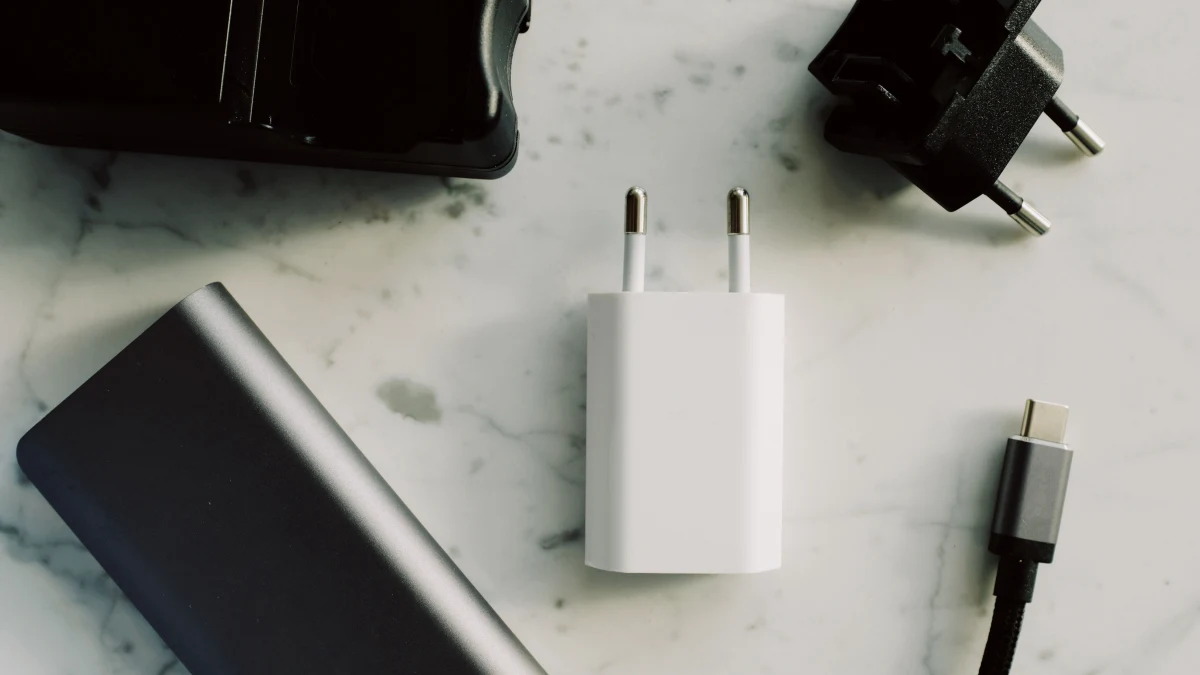
First, identify the device with the highest charging requirement. Next, decide whether you’ll charge other devices simultaneously. Then check the charger’s per-port and combined output, supported protocols, and cable requirements. If you need to charge away from an outlet, start by choosing a USB-C power bank that supports your device’s charging profile.
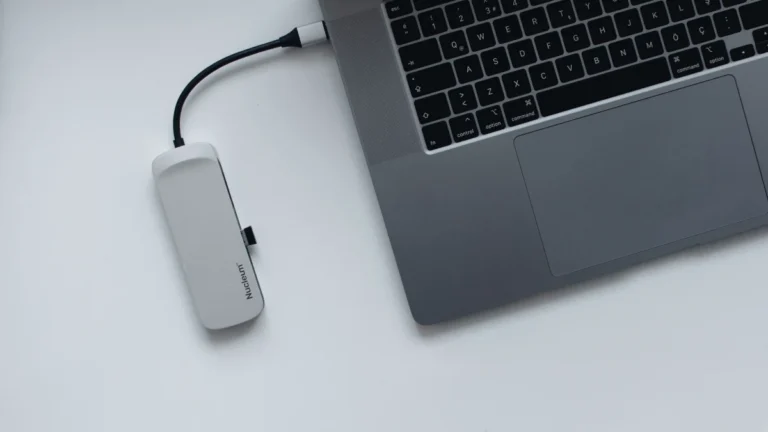
If you’re planning to power a laptop through a USB-C hub or docking station, check how much power the accessory reserves for itself. A hub advertised with 100W pass-through may deliver less than 100W to the computer.
Frequently asked questions
Does a 100W charger charge everything faster?
No. The device and supported charging protocol determine how much power it can accept.
Is 65W enough for my laptop?
Often, but not always. Compare it with the manufacturer’s recommended charging specification and your workload.
Can I charge a laptop and phone together?
Yes, if the charger has enough ports and its simultaneous-output specification provides sufficient power to each device.
Does fast charging damage batteries?
Battery aging depends on factors including heat, time, and charging patterns. Compatible devices manage charging, but using a reputable, suitable charger is important. Wattage alone doesn’t determine battery lifespan.
The bottom line
Buy the power your devices can actually use, with enough headroom for your normal routine. A 20W–30W charger may be ideal for a phone; a compatible 65W charger can be practical for an everyday laptop. The right choice depends on the charging protocol, cable, and power available when every device you intend to connect is plugged in.