Wi-Fi Extender vs. Mesh Wi-Fi: Which One Do You Need?
Your internet plan might be fast, but that doesn’t help much when the bedroom at the far end of the house barely gets a signal. Dead zones can make video calls freeze, smart cameras disconnect, and streaming devices buffer at the worst moment.
Two common fixes are a Wi-Fi extender and a mesh Wi-Fi system. Both aim to improve coverage, but they approach the problem differently. Before spending money on either, it’s worth checking whether the issue is actually Wi-Fi coverage rather than your internet connection or an overloaded network.
The short answer
A Wi-Fi extender is a reasonable low-cost experiment when you have one troublesome area and otherwise good Wi-Fi. A mesh Wi-Fi system can make more sense when several rooms need better coverage or you want a coordinated network across a larger home.
Neither solution guarantees faster internet. Performance depends on placement, building materials, radio conditions, the router, and whether the devices use wired or wireless connections between access points.
First, figure out where the problem starts
Before buying hardware, test your connection near the main router and then in the problem room. If the connection is poor even beside the router, an extender may not help. The issue could involve the internet service, router performance, device configuration, or congestion.
Try placing the router in a more central, open location, away from large metal objects and dense obstructions. If possible, update its firmware and check whether a crowded Wi-Fi channel is contributing to the problem.
A better router position can sometimes solve a weak-signal issue without another purchase.
What is a Wi-Fi extender?
An extender receives an existing Wi-Fi signal and retransmits it to an area with weaker coverage. Many are plug-in devices that are easy to set up. Some create a separate network name; others support roaming features that make switching less noticeable.
Placement is crucial. An extender needs a reasonably strong signal from the main router. Put it directly in the dead zone and it may have very little usable signal to repeat. A better location is often partway between the router and the room that needs coverage.
Wireless repeating can reduce available throughput, especially when a device uses the same radio resources to communicate with the router and your phone or laptop. The impact varies by hardware and configuration.
What is mesh Wi-Fi?
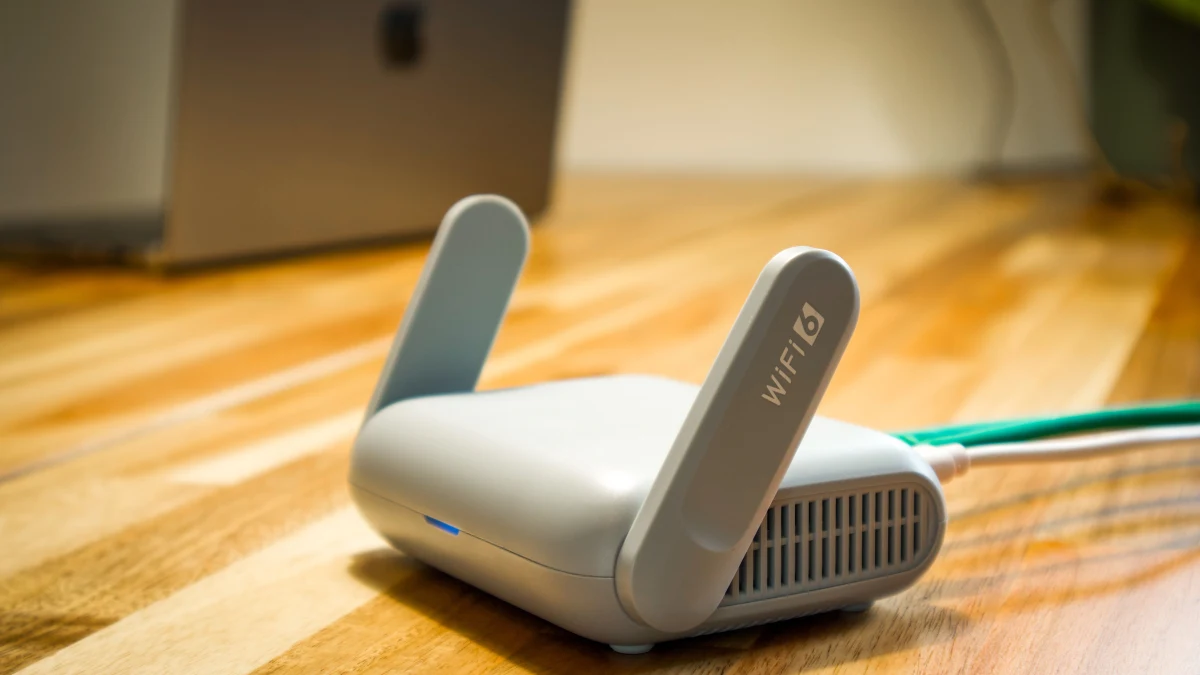
A mesh Wi-Fi system typically includes a main router and one or more compatible nodes, often under one network name. Check which models can join the same system. Mesh can help devices roam between nodes, but the phone, laptop, or other client still decides when to switch. A shared network name doesn’t guarantee a seamless handoff.
Some systems use a dedicated wireless backhaul band to connect nodes; others share radio capacity with client devices. Many support Ethernet backhaul, where cables link the nodes and can improve consistency if your home is wired for it.
Mesh can simplify management across a larger area, but it’s not magic. A poorly placed mesh node with a weak connection to the main unit can still deliver disappointing performance.
Extender vs. mesh: the practical differences
| Question | Wi-Fi extender | Mesh Wi-Fi |
|---|---|---|
| Best fit | One isolated weak spot | Several weak areas or larger homes |
| Typical upfront cost | Usually lower | Usually higher |
| Setup | Often simple, may involve a separate SSID | Coordinated app or router setup |
| Roaming | Depends on equipment | Often designed for coordinated roaming |
| Performance | Depends heavily on link quality | Depends on node placement and backhaul |
| Expansion | Possible, but can become awkward | Often designed to add compatible nodes |
Will mesh Wi-Fi make your internet faster?
Not necessarily. If your internet service is the bottleneck, mesh can’t create bandwidth that isn’t there. What mesh may improve is the quality and consistency of the wireless connection in rooms far from the router.
An extender can also improve a room’s usable connection if the alternative is a very weak direct signal. The key is to compare real performance in the room, not just the theoretical maximum speed printed on the package.
Marketing labels such as AX1800 or BE3600 represent combined theoretical wireless capabilities under particular conditions. They are not promises that a single phone will achieve those speeds across the house.
The importance of backhaul
Backhaul is the connection between a mesh node or access point and the rest of your network. With wireless backhaul, nodes exchange data over Wi-Fi. With wired Ethernet backhaul, that traffic travels through a cable.
If you already have Ethernet wiring, adding a compatible wired access point may be a strong alternative to both a simple repeater and an expensive wireless mesh kit. Wired backhaul can help reduce the performance penalties associated with weak wireless links.
If you can’t run cables, look for a mesh system with good published coverage guidance and suitable node-placement options. Don’t buy the largest kit by default; too many poorly positioned nodes can complicate the network.
What about smart-home devices and cameras?
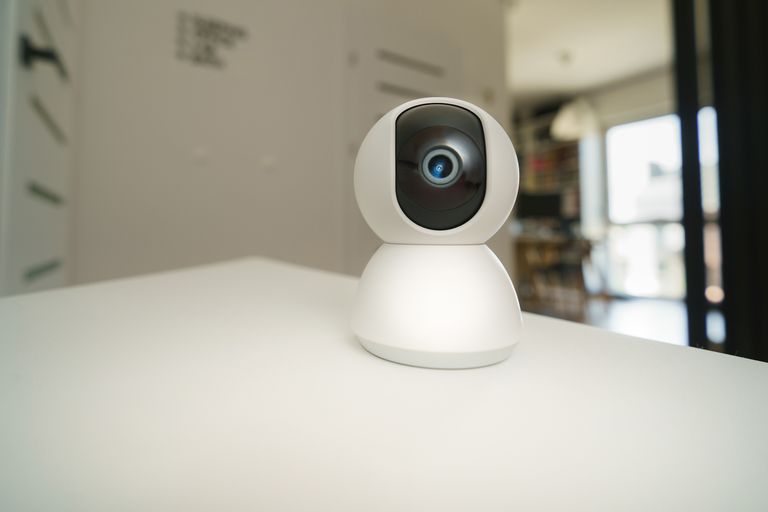
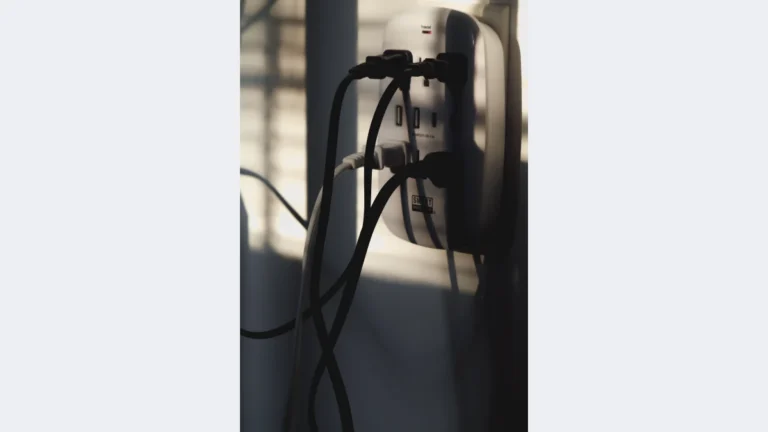
Smart plugs, cameras, and other connected devices can be sensitive to weak or unstable coverage. Improving Wi-Fi may help, but compatibility matters. Some smart-home devices use only 2.4GHz Wi-Fi, and certain onboarding apps struggle when phones and devices are on differently configured bands or isolated networks. Check smart plug Wi-Fi compatibility before changing your network settings.
Check that the extender or mesh system supports the device’s requirements, and avoid unnecessary guest-network isolation if local device discovery is needed. If you’re planning a camera purchase, our smart home security camera buying guide covers additional setup considerations.
Which one should you buy?
One room has weak Wi-Fi
Start by improving router placement. If that doesn’t solve the problem, a compatible extender may be a cost-effective option. Put it where it still receives a good signal, not at the very edge of coverage.
Several rooms have weak Wi-Fi
A mesh system may offer a more coherent solution, particularly in a multi-story home. Check whether the system can work with your existing modem and whether replacing your router is necessary.
You already have Ethernet wiring
Consider wired access points or mesh nodes with Ethernet backhaul. This can offer a more dependable connection than repeating a weak wireless signal.
You rent and want a simple setup
A plug-in extender may be easier to install and remove. A mesh kit can still be practical, but make sure its cost and complexity match the size of the problem.
Common mistakes to avoid
Don’t place an extender where the signal is already unusable. Don’t assume a mesh kit will fix an unreliable internet service. And don’t rely on manufacturer coverage claims as precise measurements: wall materials, floor plans, and interference can change the result dramatically.
Also check whether your router and new hardware support the same Wi-Fi standards and security settings. A newer extender can’t upgrade the capabilities of an older device connected to it.
Frequently asked questions
Can I use a Wi-Fi extender with any router?
Many extenders work with a broad range of routers, but features such as seamless roaming may require compatible equipment. Check the product’s requirements.
Is mesh always better than an extender?
No. Mesh can be a better fit for broad coverage, but a well-placed extender may be enough for a single room and cost much less.
Do I need to replace my router for mesh?
Some mesh kits replace the router; others can operate in access-point or bridge modes. Compatibility and feature availability vary.
Can mesh Wi-Fi help a security camera stay connected?
It may improve coverage and stability if weak Wi-Fi is the cause. It won’t solve camera hardware problems or an unreliable internet connection.
The bottom line
Choose based on the shape of the coverage problem. For one weak room, start with placement adjustments and consider an extender. For a larger home with several problem areas, mesh may be worth the investment. If Ethernet is available, don’t overlook wired access points. The best network is the one that delivers reliable coverage where you actually use it—not the one with the largest advertised speed number.